Start here
Welcome to your P×Ei app.
The app turns your assessment into advice for the problems you face at work. The tour below shows what each page does and the order to use them. It takes about two minutes to read.
Your results at a glance
LoadingWhere you work
Reading
Fit
—
Higher is not better. A high score helps in some kinds of work and hurts in others. See the full results →
A quick tour
Seven pages, one set of scores
You take the assessment once. Every page uses the same scores, so you never enter them again. Go through the pages in this order the first time.
-
1
About you
Read your results
Start here. The page tells you how well your traits suit the work you do, and what to do about it.
- Your fit at work, in one sentence
- Your five traits, with a chart of all 30 facets
- What each extreme trait gives your team, what to watch, and what to do
About 5 minutes
Open About you →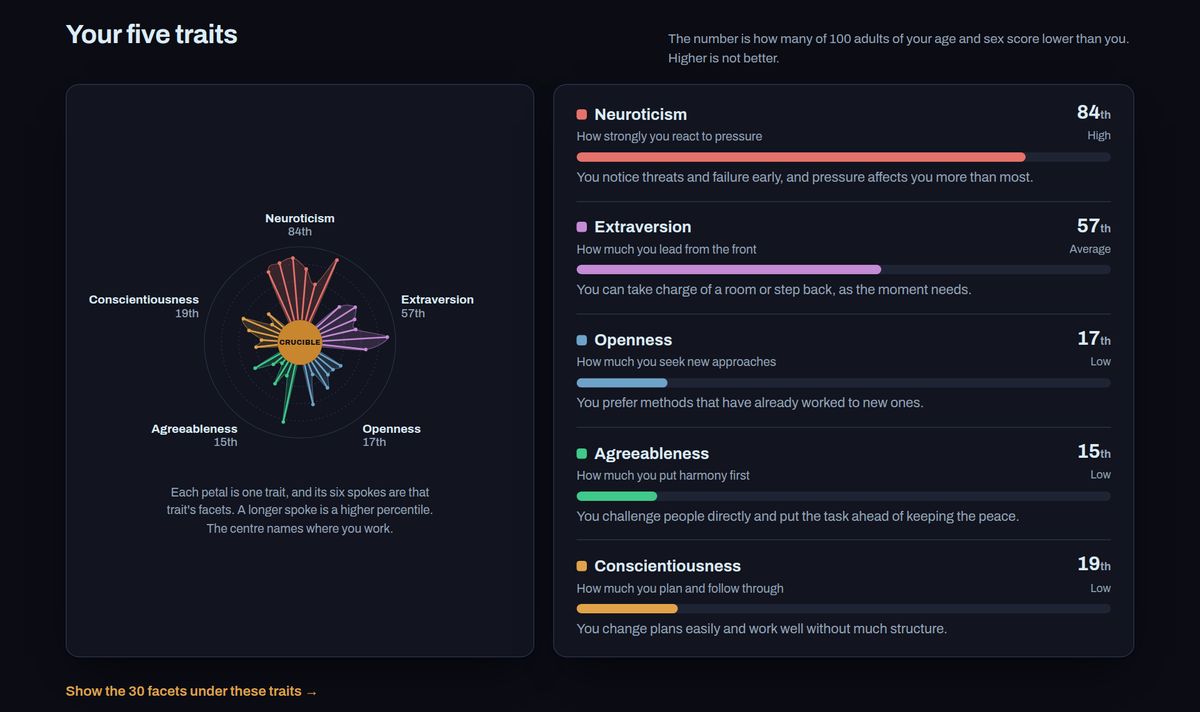
-
2
Profile
Tell the platform about your role
Add your role, your industry and what you want to work on. Solve a problem and the 90-day plan use these details, so their advice fits your situation.
About 1 minute
Open Profile →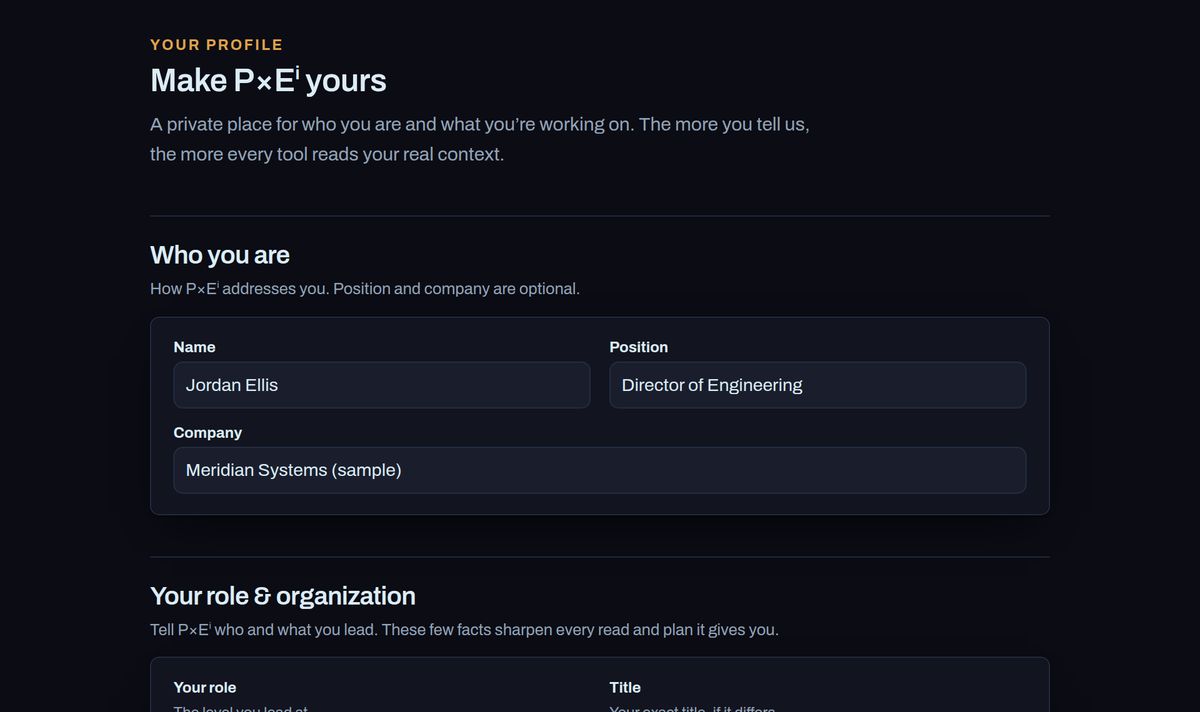
-
3
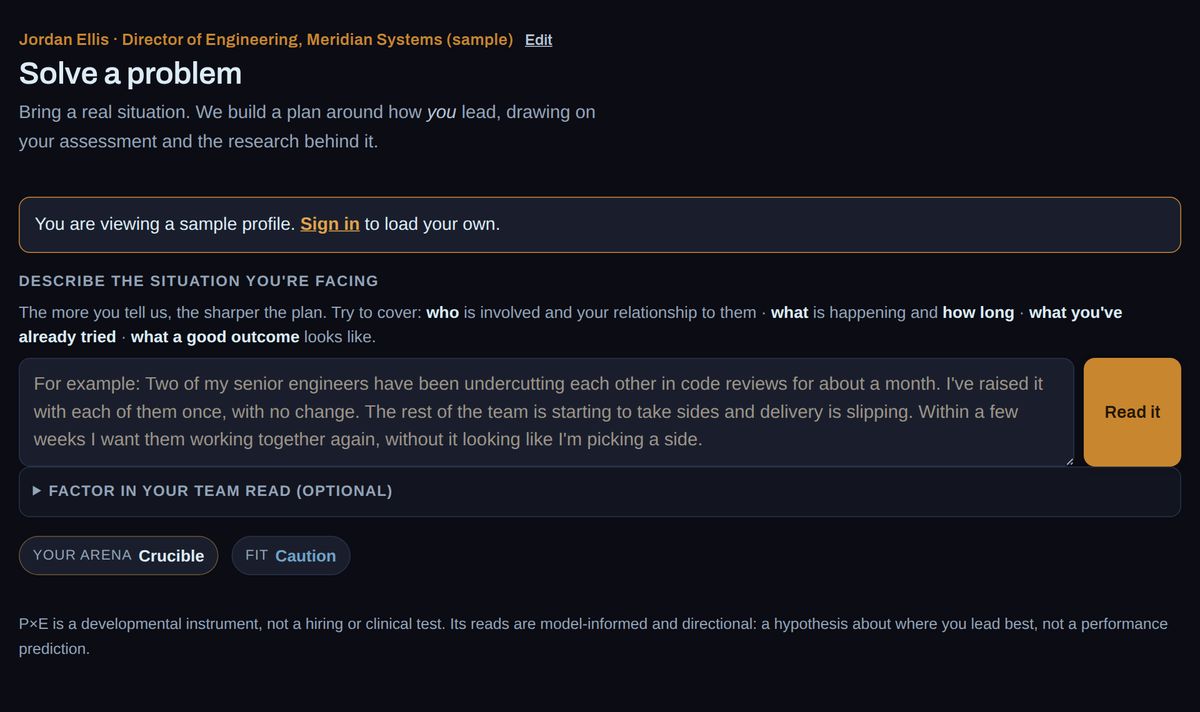
Solve a problem
Get three ways to handle a real problem
Describe something you are dealing with this week, the way you would tell a colleague. Say who is involved, what has happened and what you have tried.
- A short read of the situation
- Three different options, each built on your scores
- The steps for each option, and the studies behind them
-
4
90-day plan
Turn it into a plan
Pick one thing to work on, or use a problem you took to Solve. You get ninety days of work in three phases, with dates. You can print it or add it to your calendar.
Open the 90-day plan →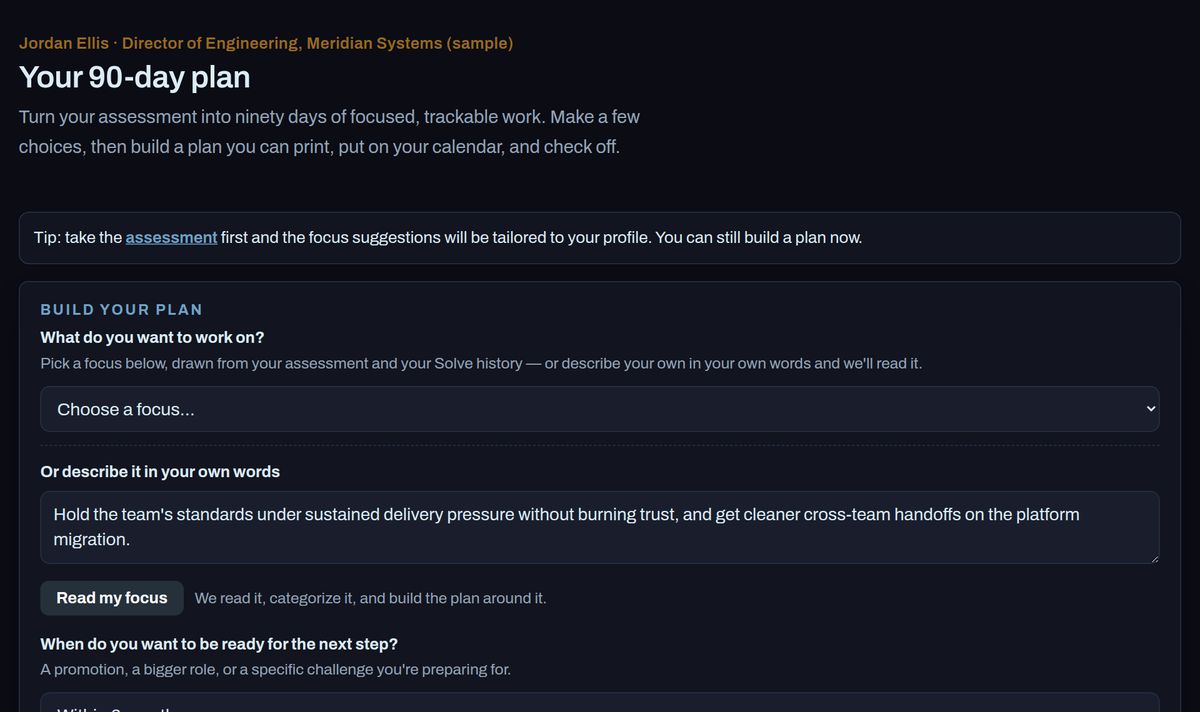
-
5
Explore
See what changes in other work
Drag the sliders to see how your fit would change if your work had higher or lower stakes, or more or less predictable rules. Use it before a change of role.
Open Explore →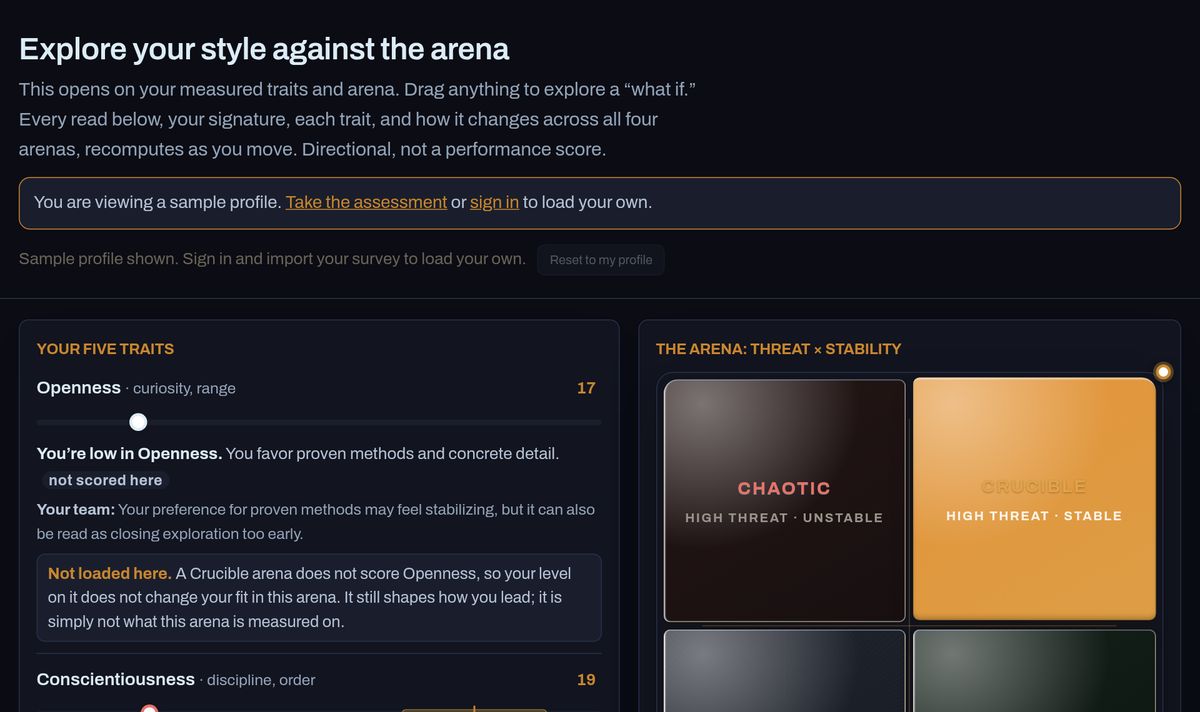
History
Come back to past problems
Every problem you take to Solve is kept here, with its options and any plan you built.
Open History →Research
Check the evidence
The published studies that Solve and the 90-day plan cite, grouped by science discipline. Each one has its finding and a link to the paper.
Open Research →If you manage other leaders: when your account includes a team, a Team tab appears. It shows how well each person's traits suit their work, and what to raise in your next one-to-one.
Good to know
- This is a development tool. It is not a hiring test and not a clinical test.
- Higher is not better. A high score helps in some kinds of work and hurts in others.
- Your results come from the answers you gave about yourself. Treat them as a starting point, and check them against what happens at work.
- A model writes the advice on Solve and the 90-day plan from your scores and the research library. Read it as a first draft.
- There is nothing to buy here.